Feature tour
See how SpaceAtlas shapes a calmer desktop
Build a layout that matches how you work, then navigate it the same way every time — no guessing which Space is where.
See SpaceAtlas in Action
Layout memory
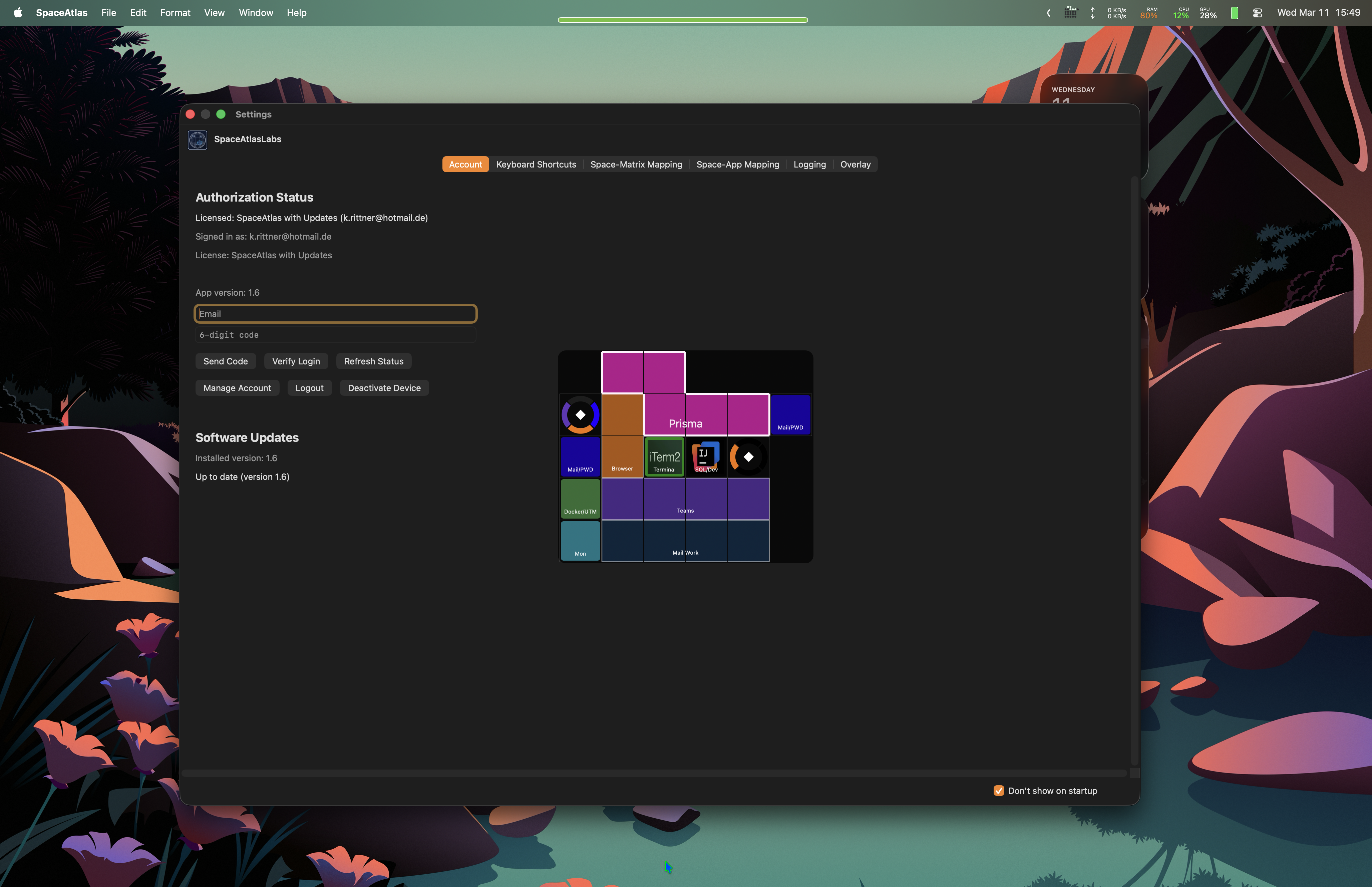
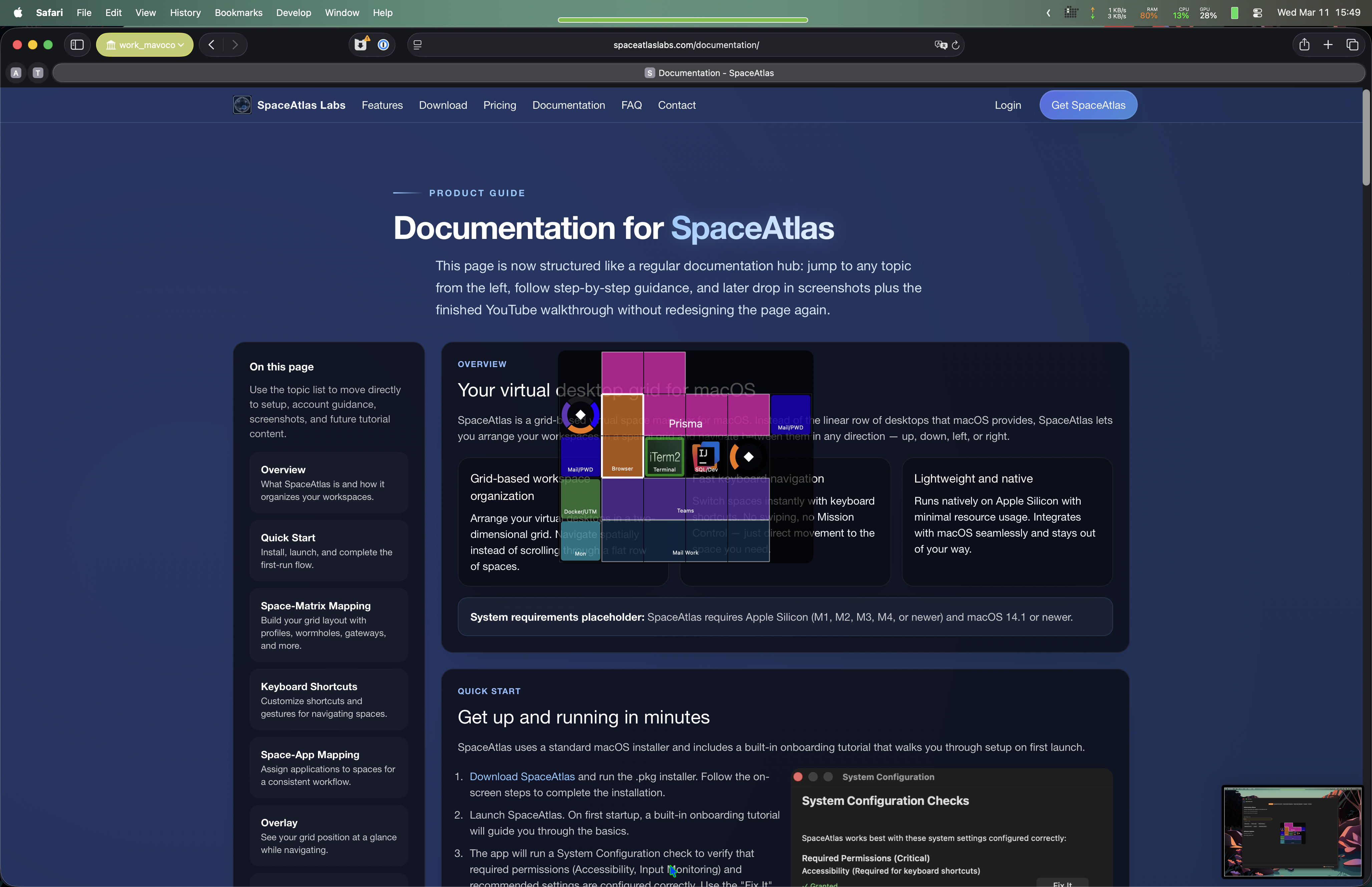
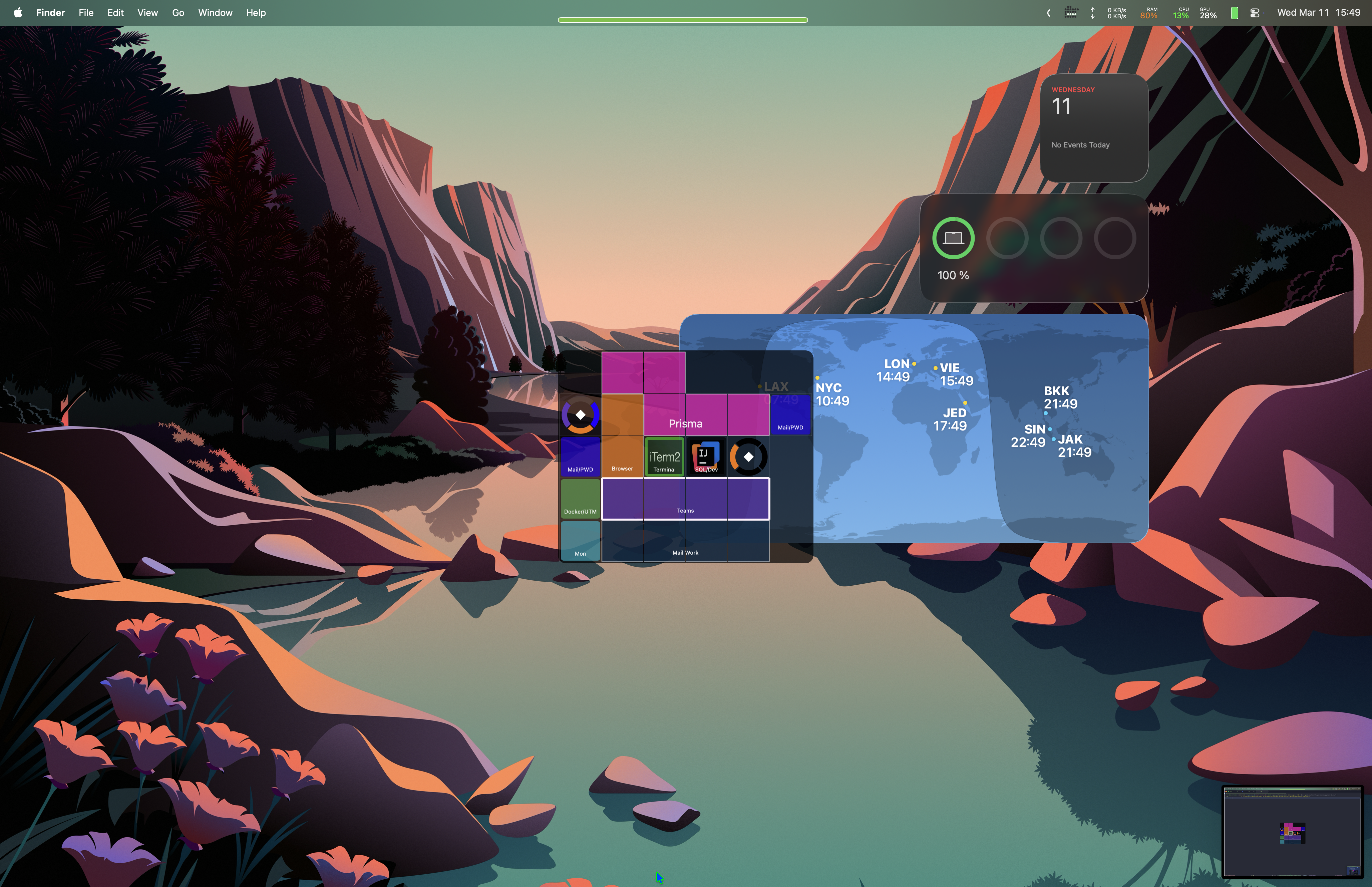
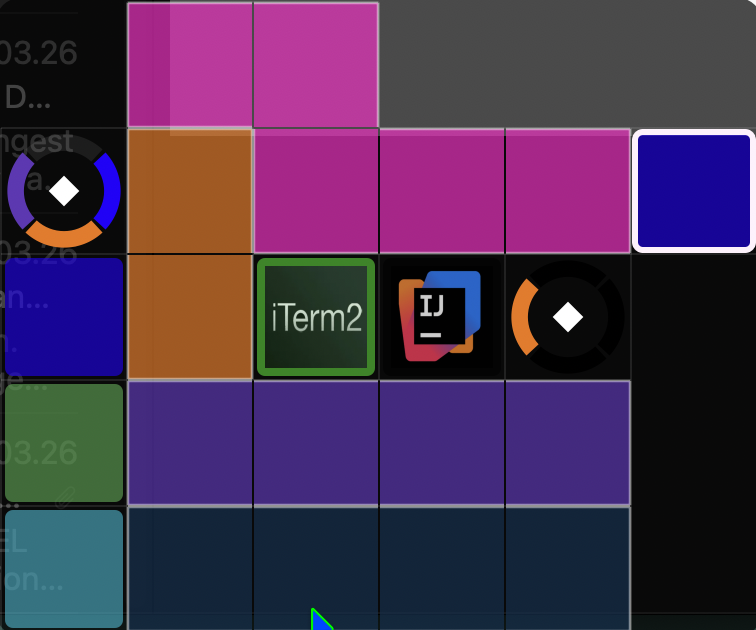
Arrange your Spaces the way your brain works
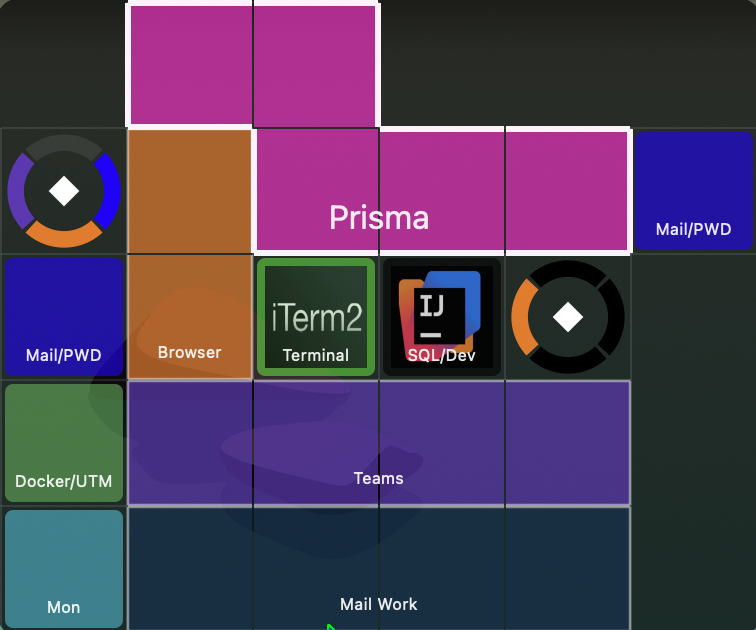
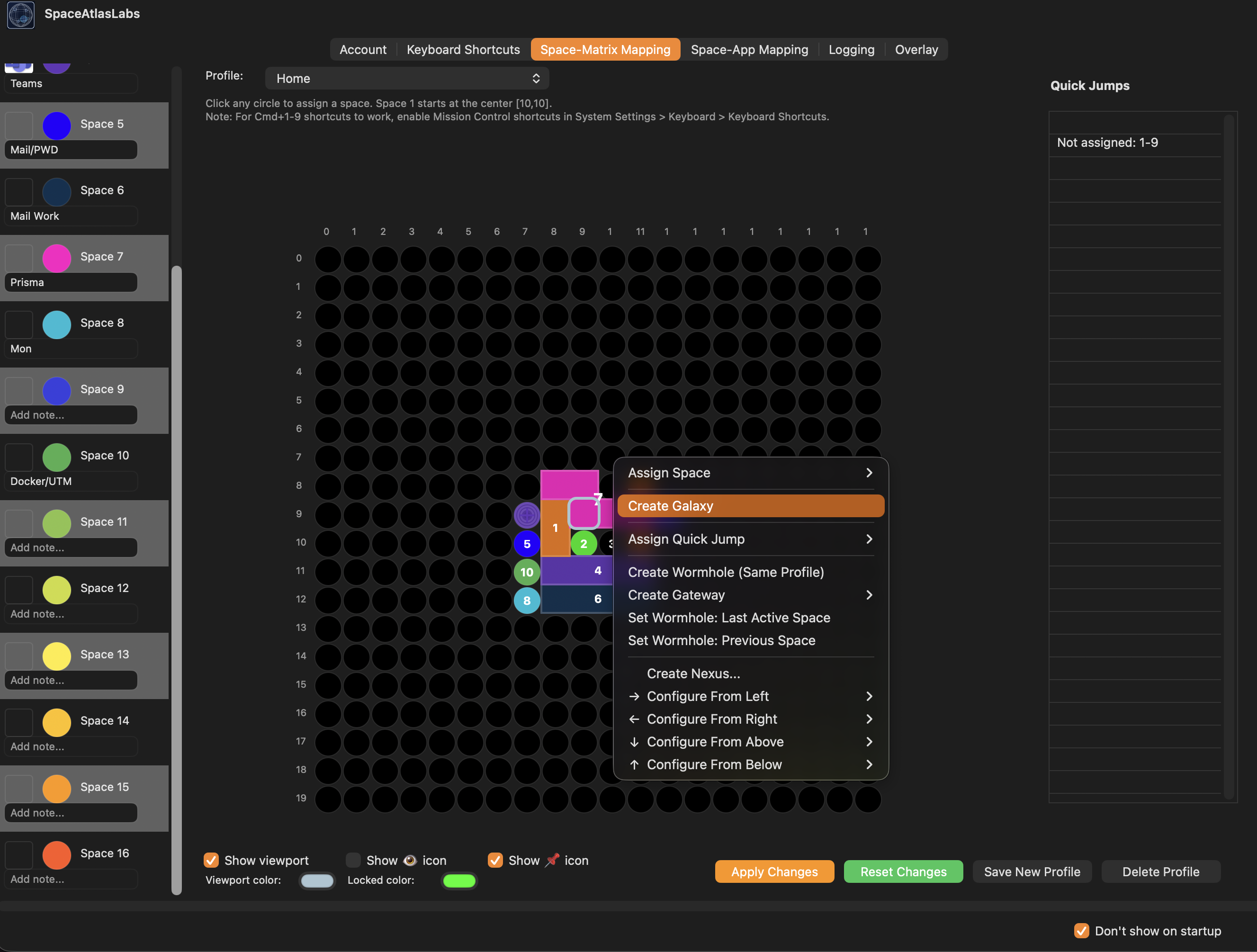
Build your own grid and place each macOS Space where it makes sense to you. Keep your browser, editor, terminal, docs, and communication tools in fixed positions that match how you think.
- Define custom dimensions such as 2x2, 3x3, or 4x3
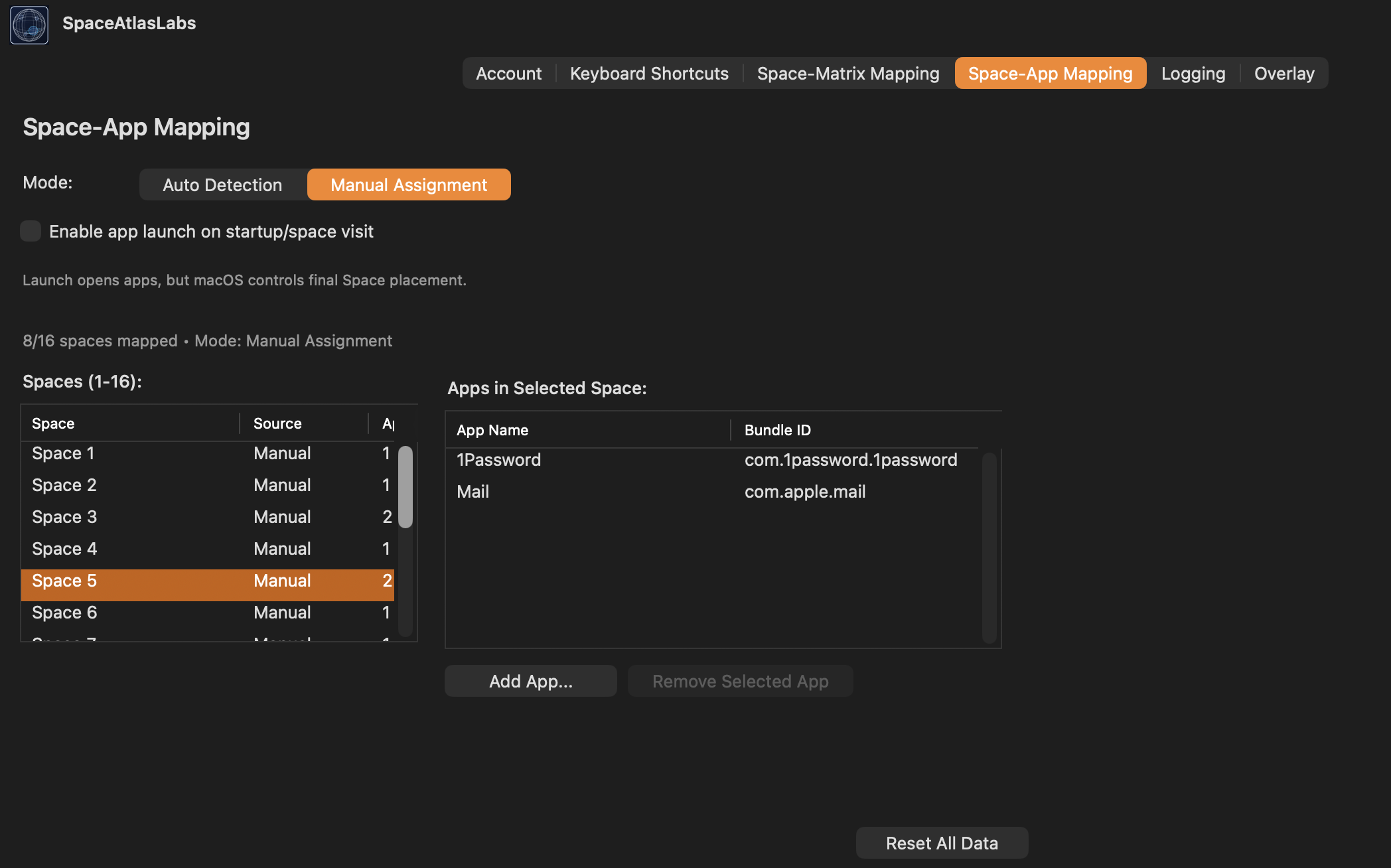
- Assign any macOS Space to any position
- See your layout as one connected workspace map
Preview panel
Layout map
Once your layout is set, navigating it becomes automatic — no hunting, just moving.
Navigation
Navigate by direction, not by cycling through Spaces
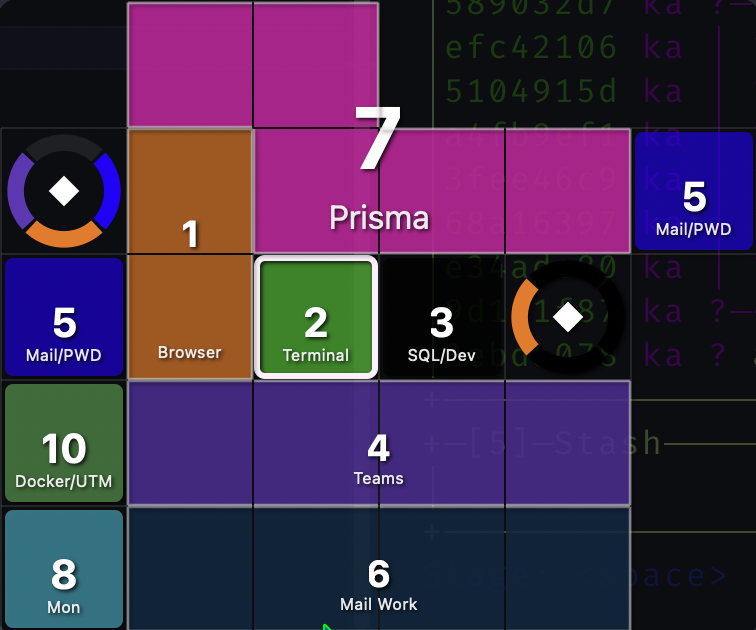
Move up, down, left, and right with shortcuts instead of cycling through macOS Spaces in order. Jump straight to any Space with a single key press.
- Move in any direction — up, down, left, right
- Jump straight to any Space by position
- Fully customizable key combinations
Workflow shape
Built to hold up during a real workday
Keep your work, communication, and planning spaces in fixed spots so switching between them stays fast and predictable, even on a hectic day.
- Keep focused work and communication separated without losing speed
- Reduce hesitation when switching between related apps
- Keep your layout understandable at a glance
Also included
Everything else you'd expect
Efficiency
Lightweight
Uses minimal CPU and memory — runs quietly in the background all day without slowing you down.
Platform fit
Native macOS Focus
Built specifically for macOS workflows, shortcuts, and behavior.
Ownership
Pay once
One purchase with updates included for a full year.